
Microsoft Access is already capable of running complex business processes. Adding AI opens up new possibilities — from interpreting emails and documents to preparing customer briefings and highlighting information that needs attention.
These capabilities can usually be introduced without replacing the existing database.
Here are some practical examples of how AI can be integrated with Microsoft Access to help you get more from your existing data and processes.

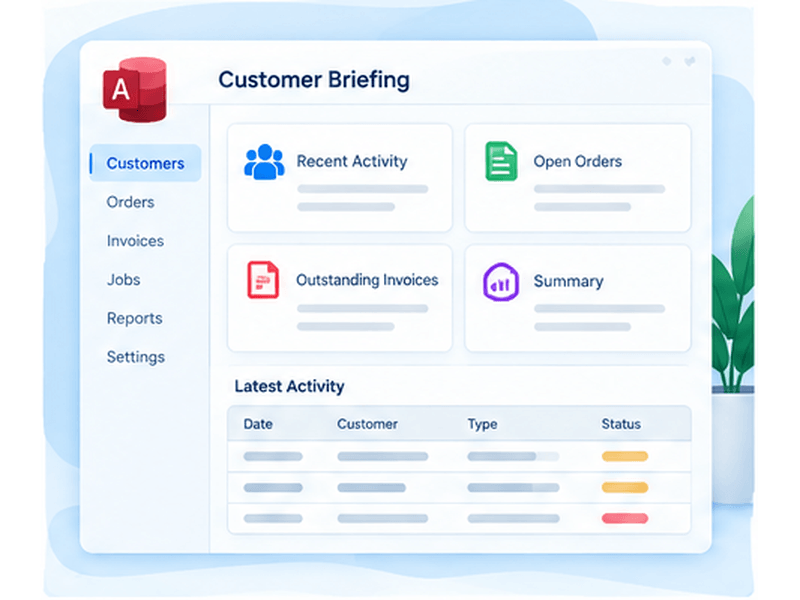
Get a concise summary of customer activity, including recent orders, quotations, invoices and outstanding work.

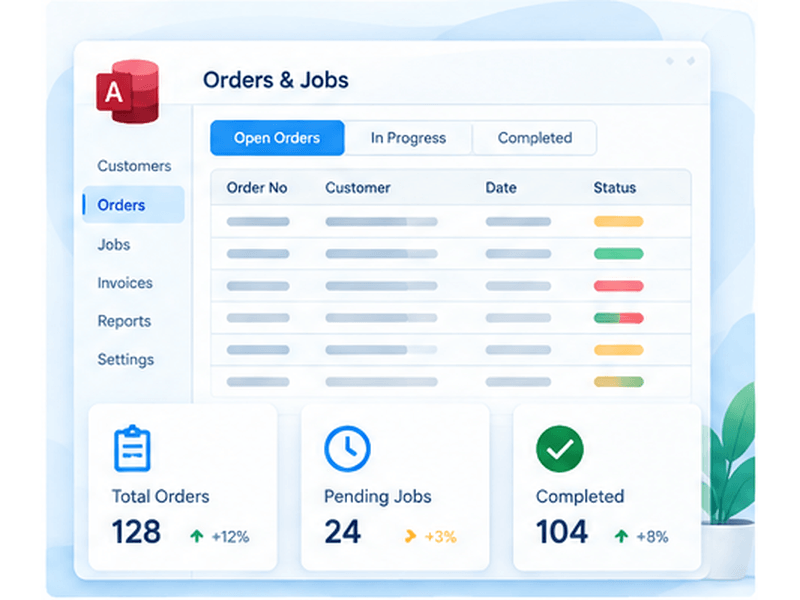
Analyse orders, jobs and related information to identify status, delays and key updates.

Highlight trends, exceptions and patterns in your business data to support better decision making.


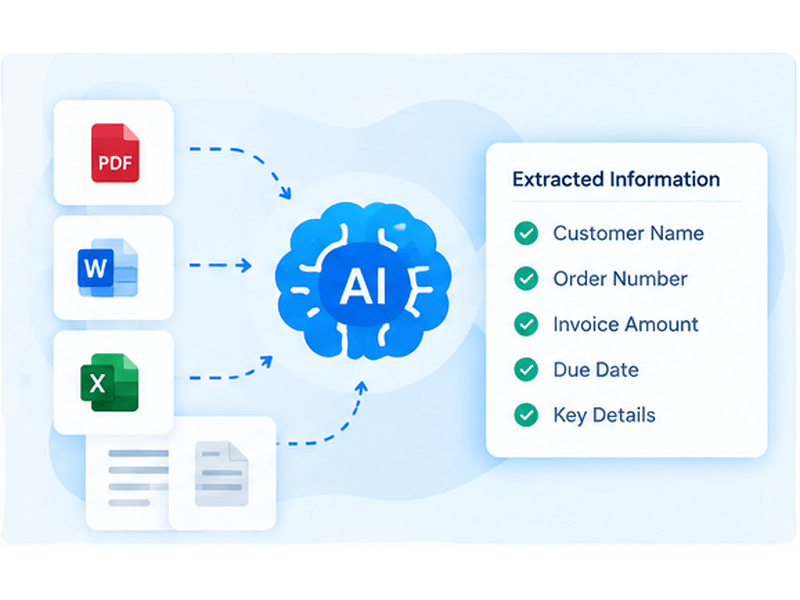
Extract and interpret information from emails, PDFs and other documents and present it for review in Access.

Help with drafting emails, summarising notes and preparing customer communications.

Imagine opening a customer record and asking the database to prepare a concise briefing before you make a telephone call.
Instead of manually reviewing orders, notes, activity and other information, AI can analyse selected information from the database and produce a useful summary highlighting things such as:
The underlying information remains in your existing database — AI simply provides another way of making sense of it.
Access databases are frequently used to manage quotations, orders, jobs and operational workflows.
AI can provide an additional layer of review.
For example, before an order or job is processed, selected information could be analysed to identify:
This isn’t intended to replace the business rules already built into your database.
Instead, it can act as an additional intelligent check, helping users spot things that conventional validation may not detect.
Most established Access systems contain a considerable amount of operational information.
The challenge is often turning that information into something useful for management.
AI can help convert selected database information into plain-English summaries and briefings.
For example:
“Summarise the important changes in orders this week.”
“Which customers appear to require attention?”
“Give me a briefing on outstanding jobs.”
“Highlight anything unusual in today’s activity.”
Rather than presenting another large report or spreadsheet, the system can provide a concise explanation of what’s happening and where attention may be required.
Not all useful business information is neatly stored in database fields.
Businesses also deal with emails, PDFs, quotations, specifications, customer correspondence and other documents.
AI can help an Access application work with this less structured information.
Potential uses include:
This can be particularly valuable where staff currently spend significant amounts of time reading information and manually transferring it into a database.
Access has always been excellent at automating documents and emails using information held in a database.
AI can make that considerably more flexible.
Instead of generating communications entirely from fixed templates, AI can help prepare appropriate wording using information about the customer, order, job or situation.
The user can then review and approve the result before it is sent.
This can combine the efficiency of automation with communications that are more relevant to the individual situation.
I’ve been developing and testing practical examples of AI working alongside Microsoft Access, including customer briefings and other ways of analysing and presenting existing business information.
These examples help illustrate both the opportunities and the limitations of AI integration.
If you’re exploring something similar in your own Access application, I’m always happy to discuss the possibilities and share relevant examples where appropriate.
This is an important distinction.
I don’t generally see AI as a replacement for the structured database application that runs your business.
Your existing Access system still performs the jobs it is good at:
AI becomes another tool available to the application.
This also means AI functionality can often be introduced gradually rather than requiring a major redevelopment project.
Any AI integration needs to take account of data security, confidentiality and the reliability of AI-generated results.
AI can occasionally produce incorrect or misleading information, so important decisions and changes to business records should remain subject to appropriate checks and human approval.
Where confidential or personal information is involved, we would also need to consider which AI services are suitable, how data is transmitted and processed, and what safeguards are required.
AI integration can work with a traditional Microsoft Access application, but it can also form part of a wider modernisation project.
For example, an established system might combine:
Microsoft Access for the desktop application
SQL Server or Azure SQL for centralised business data
APIs for secure integration
Mobile or web applications for other users
AI services for analysis and intelligent assistance
This allows businesses to retain the considerable investment they’ve already made in Access while selectively introducing newer technologies where they provide a genuine benefit.
Find out about Access Database Modernisation →
The best starting point is usually to identify one business process where AI could make a measurable difference.
We can then explore a small proof of concept using your existing Microsoft Access database, assess the results and determine whether a wider implementation would be worthwhile.
This approach allows businesses to investigate the potential benefits of AI without committing to a major redevelopment or unnecessary expense.
If you have an established Access application and are wondering whether AI could make it more useful, I’d be interested to hear what you’re considering.
Sometimes a relatively small enhancement can make a surprising difference to how people work with their existing systems.